Understanding Post-production & editing Basics
What is Post-production?
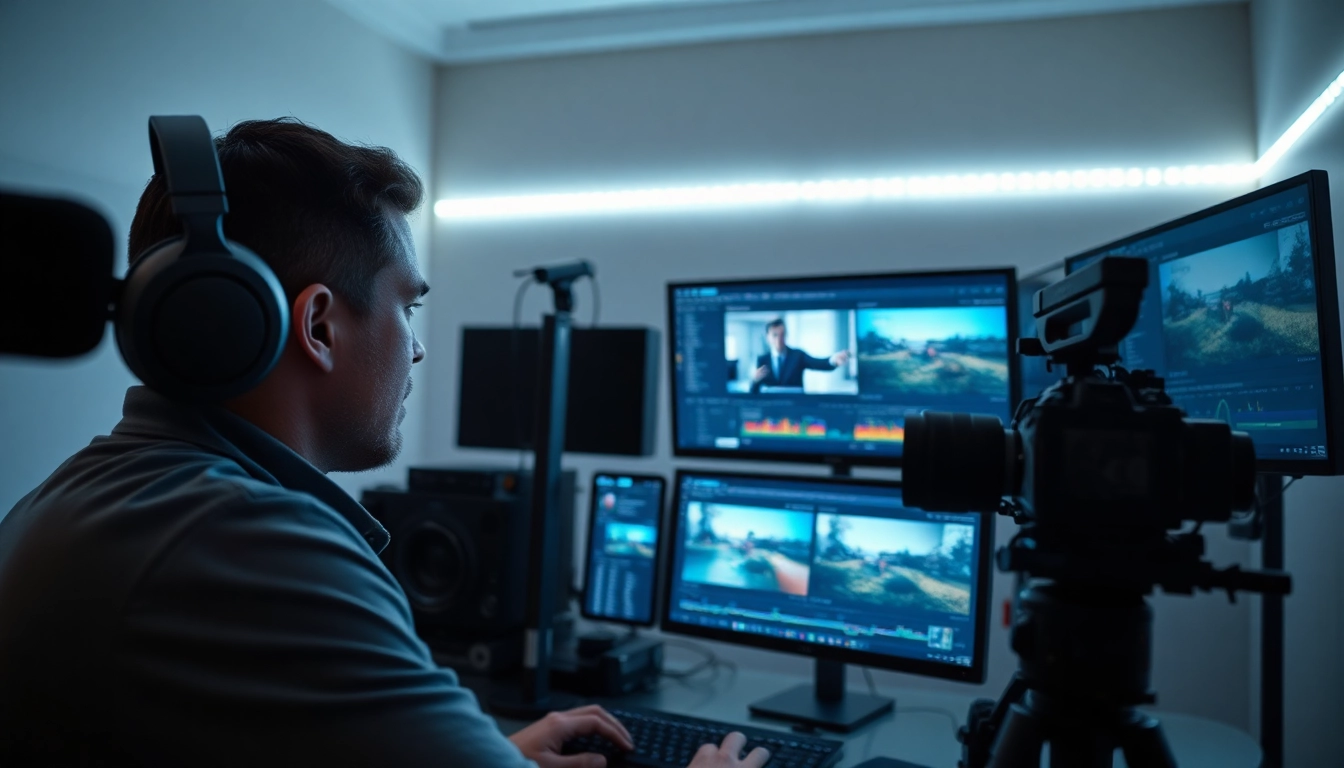
Post-production is the stage of video production that occurs after filming is complete. It encompasses a variety of processes aimed at enhancing the raw footage to create a polished final product. This can include video editing, adding audio tracks, incorporating special effects, color correction, and final formatting. Mastery over these components can significantly affect the overall quality and impact of the video content, making it imperative for creators to focus on the nuances of Post-production & editing.
Key Phases of Post-production & editing
The post-production process typically involves several key phases, each with a specific focus:
- Ingesting Footage: Importing raw video files into editing software.
- Editing: Cutting and arranging video clips to form a cohesive narrative or visual story.
- Sound Design: Adding and mixing audio tracks, including dialogue, sound effects, and music.
- Color Grading: Adjusting colors to establish mood and continuity.
- Rendering: Exporting the final cut for distribution or broadcasting.
Essential Tools for Video Editing
To effectively navigate the post-production landscape, video editors rely on a variety of tools and software. Here are some of the most commonly used:
- Editing Software: Programs like Adobe Premiere Pro, Final Cut Pro, and DaVinci Resolve dominate the market for their robust features.
- Audio Editing Tools: Software such as Audacity or Adobe Audition for high-quality sound editing.
- Visual Effects Software: Applications like After Effects for integrating sophisticated visual effects.
- Color Grading Tools: Tools within editing software or dedicated applications like Color Finale for precise color adjustments.
- Equipment: High-performance computers, monitors, and audio interfaces to ensure optimal performance during editing tasks.
Techniques to Enhance Post-production & editing
Color Grading and Correction
Color grading is vital in creating an emotional response or ensuring visuals align seamlessly. It involves altering the color properties of the video in three primary ways:
- Correction: Fixing color imbalances to provide a consistent look.
- Grading: Establishing a visual style or aesthetic specific to the project.
- Creative Effects: Implementing unique color palettes to convey themes or emotions.
Learning to leverage tools like Lumetri Color or Colorista can elevate your projects significantly.
Audio Mixing and Sound Design
Sound is often overlooked but crucial to effective storytelling in video production. Proper audio mixing can enhance the viewer’s engagement:
- Dialogue Clarity: Ensure dialogue is discernible above background sounds.
- Layering Sounds: Mix sounds judiciously to create an immersive experience.
- Using Music: Incorporate music thoughtfully to support the emotional journey of the narrative.
Advanced audio software can help enhance sound design, allowing for a richer auditory experience.
Visual Effects Integration
Visual effects (VFX) play a critical role in augmenting storytelling by creating dynamic visuals that engage viewers. Effective integration of VFX requires:
- Planning Ahead: Knowing when and where to apply effects reduces time and resources in post-production.
- Consistency: VFX should blend seamlessly with live-action footage to maintain the story’s believability.
- Quality Over Quantity: Using fewer, well-executed effects tends to yield a better result than an abundance of mediocre effects.
Best Practices for Efficient Post-production & editing
Workflow Optimization Strategies
To streamline the post-production process, implementing effective workflow optimization strategies is key. A few techniques include:
- Organizing Files: Keep project files, assets, and media organized for easy access.
- Using Templates: Create templates for titles, effects, and transitions to save time.
- Batch Processing: Apply changes or export multiple files simultaneously to increase efficiency.
Collaboration with Creatives
Collaboration is vital in post-production since various team members contribute unique skill sets. Strategies to enhance collaboration include:
- Clear Communication: Utilize tools like Slack or Trello to facilitate ongoing discussions regarding project goals.
- Feedback Sessions: Regularly scheduled reviews can help incorporate suggestions early in the process.
- Version Control: Use versioning systems to maintain a history of changes and facilitate tracking modifications.
Creating Effective Video Narratives
A compelling narrative is essential in captivating your audience. To craft an effective video narrative:
- Structuring Content: Use a well-defined script and storyboard to outline the flow of information or story.
- Character Development: Invest effort in developing characters or subjects, making them relatable to enhance viewer connection.
- Engagement Techniques: Incorporate hooks, emotional arcs, and cliffhangers to maintain audience interest throughout the video.
Common Challenges in Post-production & editing
Time Management Issues
Time constraints in post-production can lead to rushed projects and compromised quality. To combat this:
- Set Realistic Deadlines: Accurately estimate the time required for each post-production phase.
- Prioritize Tasks: Identify high-impact tasks and focus efforts on them first.
Dealing with Creative Blocks
Creative blocks can hinder progress. To overcome this challenge:
- Take Breaks: Stepping away for a short period can provide fresh perspectives.
- Brainstorming Sessions: Collaborating with peers can generate new ideas and solutions.
Handling Feedback and Revisions
Feedback is essential for growth; however, managing it can be challenging. Employ these practices:
- Separate Personal Feelings: View feedback as a path to improvement rather than criticism.
- Implement Changes Strategically: Address changes that align with the overall vision of the project.
Future Trends in Post-production & editing
The Role of AI in Video Editing
Artificial Intelligence is reshaping video editing practices by automating repetitive tasks, improving accuracy, and facilitating smarter editing choices. AI tools can analyze footage, suggest edits, and streamline workflows, allowing creators to focus more on creative aspects than on technical processes.
Emerging Technologies and Tools
With advancements in technology, emerging tools promise to enhance the post-production landscape. Innovations in cloud storage, faster processing power, and software integrations help editors achieve efficient results while adapting to the ever-evolving industry standards.
Staying Updated with Industry Trends
To remain competitive, it’s essential to stay abreast of industry developments and trends. Attending workshops, engaging with online communities, and consistently practicing skills will maintain a high level of proficiency in post-production techniques and tools.