Understanding Ultramsg and Its Benefits
What is Ultramsg?
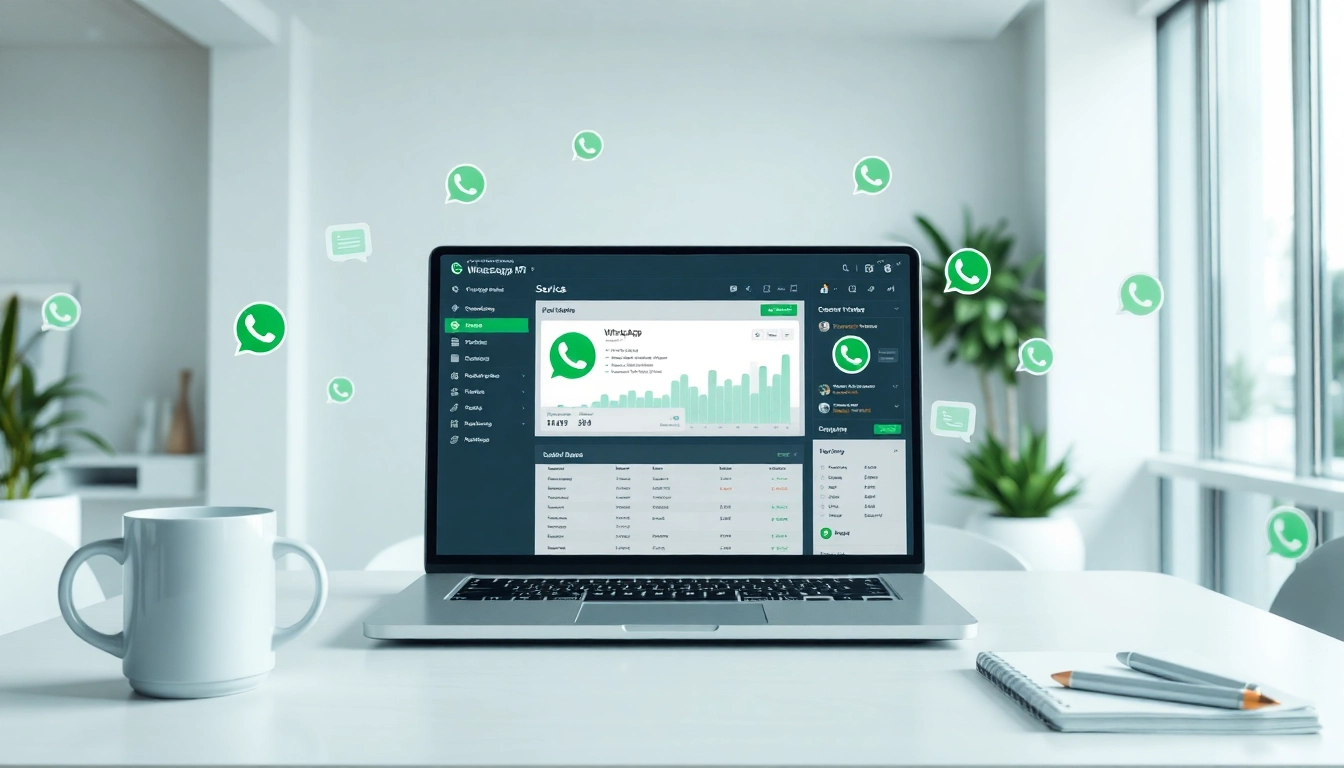
Ultramsg is a powerful WhatsApp API gateway designed for businesses and developers who seek to enhance their communication strategies through messaging and chat functionalities. It enables users to send and receive messages seamlessly on the WhatsApp platform, leveraging the global reach of over 2 billion users. With the ability to integrate chatbots and automate messaging, Ultramsg opens up diverse possibilities for customer engagement and service delivery.
Key Features of Ultramsg
Ultramsg boasts a wide range of features that cater to the diverse needs of its users:
- API Accessibility: With its robust API, businesses can efficiently send messages, images, videos, and other media types, ensuring rich communication.
- Chatbot Integration: Ultramsg allows the installation of chatbots for automating customer interactions, thereby optimizing response times and enhancing user experience.
- Multi-Platform Compatibility: Not only can Ultramsg be utilized via web interfaces, but it can also be integrated into existing systems such as CRMs and custom applications.
- Real-Time Analytics: The platform offers real-time analytics to track message performance, helping businesses to gauge engagement and make data-driven decisions.
- Secure Communication: Utilizing end-to-end encryption, Ultramsg ensures that messages sent through its gateway maintain integrity and security.
Benefits for Businesses Using Ultramsg
Adopting Ultramsg presents numerous advantages for businesses:
- Enhanced Customer Engagement: By utilizing Ultramsg, companies can connect with their customers in real-time through personalized messaging strategies, improving satisfaction and loyalty.
- Improved Operational Efficiency: Automating routine communications allows businesses to free up valuable resources, allowing teams to focus on more strategic tasks.
- Cost-Effective Marketing: Ultramsg serves as an economic solution for bulk messaging and marketing campaigns, reducing the cost per engagement compared to traditional channels.
- Scalability: As businesses grow, Ultramsg can easily scale to meet increasing messaging demands without compromising service quality.
Setting Up Ultramsg API
System Requirements for Ultramsg
Before setting up Ultramsg, it is essential to ensure that the system meets the following requirements:
- Compatible operating system (Windows, macOS, Linux)
- Internet connection with stable bandwidth
- Up-to-date programming language framework (PHP, Node.js, Python, etc.)
- Access to a WhatsApp Business account for API integration
Installation Steps for Ultramsg
Setting up Ultramsg involves a few critical steps:
- Register an account on the ultramsg platform.
- Follow the onboarding process to configure your WhatsApp Business account with Ultramsg.
- Obtain API keys and documentation to facilitate the integration of Ultramsg with your application.
- Install the required SDK or library relevant to your programming language of choice (PHP, Node.js, etc.).
- Run your server and ensure that it’s responsive to API requests.
Configuration Settings for Optimal Use
Once the installation is complete, it is crucial to configure the settings optimally. Key configurations include:
- Setting Webhooks: Configure webhooks to receive real-time notifications for incoming messages and status updates.
- Customizing Message Templates: Create and save message templates for consistent branding and efficient communication.
- API Rate Limits: Adjust rate limits according to messaging needs to prevent potential service interruptions.
- Error Handling: Implement error handling measures to manage connection failures or API limit breaches smoothly.
Utilizing Ultramsg for Effective Messaging
Crafting the Perfect Message with Ultramsg
Creating effective messages is paramount for successful user engagement. Here are essential tips:
- Use Concise Language: Ensure messages are clear and to the point to improve user understanding.
- Personalization: Personalize messages using user data (names, preferences) to build a connection.
- Action-Oriented: Include clear calls to action (CTAs) to guide users towards desired outcomes.
Scheduling Messages Using Ultramsg
Scheduling messages can enhance communication efficiency while considering user time zones. Here’s how to schedule messages:
- Determine the optimal time for message delivery based on user engagement metrics.
- Utilize Ultramsg’s scheduling feature to set date and time for message dispatch.
- Test scheduled messages prior to important campaigns to ensure delivery at the right time.
Managing Conversations with Ultramsg
To effectively manage conversations, businesses should adopt the following practices:
- Monitor Incoming Messages: Regularly check for new incoming messages via the Ultramsg platform and respond timely.
- Leverage Labels: Use labeling systems to categorize conversation types, aiding in efficient follow-ups.
- Utilize FAQs: Create a knowledge base and link common queries to streamline responses.
Advanced Features of Ultramsg
Integrating Chatbots with Ultramsg
Chatbots enhance user experience by providing 24/7 support and immediate answers. To integrate chatbots with Ultramsg:
- Choose a chatbot framework compatible with Ultramsg.
- Configure your chatbot for specific responses based on user queries.
- Test interactions thoroughly before going live to ensure that responses are accurate and helpful.
Tracking and Analyzing Message Performance
To optimize messaging strategies, tracking and analyzing performance are vital. Key metrics include:
- Delivery Rates: Monitor the percentage of messages successfully delivered to assess the effectiveness of campaigns.
- Open Rates: Analyze how many users engage with received messages to gauge interest.
- Response Times: Track average response times to ensure prompt customer support.
Scaling Your Messaging Strategies with Ultramsg
As businesses grow, scaling messaging strategies with Ultramsg can enhance communication. Key considerations include:
- Increased API Limits: Evaluate and upgrade your API usage limits as message volume grows.
- Automated Flows: Develop automated messaging flows to handle high-volume interactions efficiently.
- Team Organization: Structure your team effectively to handle customer inquiries and leverage Ultramsg’s tools.
Best Practices for Success with Ultramsg
Common Challenges and Solutions
While utilizing Ultramsg, users may encounter various challenges, such as:
- Delivery Failures: Ensure that WhatsApp numbers are valid and accounts are active to avoid delivery issues.
- High Message Volume: Implementing a queue system can manage high message loads effectively, preventing API limit reach.
- Engagement Decline: Constantly analyze message performance and modify strategies according to analytics insights to maintain engagement levels.
Case Studies of Successful Ultramsg Implementations
Businesses have successfully improved their communication strategies with Ultramsg:
- E-commerce Brands: Enhanced customer support by integrating chatbots, leading to reduced response times.
- Service Industries: Utilized scheduled messaging for appointment reminders, significantly reducing no-show rates.
Future Trends in Messaging and Ultramsg
The landscape of messaging is constantly evolving. Future trends may include:
- AI Advancements: Enhanced chatbots with machine learning capabilities may lead to improved customer interactions.
- Augmented Reality: Integrating AR features into messaging applications could offer innovative customer experiences.
- Greater Personalization: Future messaging systems will likely leverage data analytics for even more tailored user experiences, enhancing engagement and sales.